
Forget the silent movie. Modern esports is filled with loud commentary. Co-streaming isn’t just watching a game; it’s the digital director’s cut, live. You get the strategy, the hot takes, and the unfiltered reaction all at once.
But before you grab your virtual microphone, you need a backstage pass. The world of permissions is a Byzantine maze. Which platforms are the main stages for this gladiatorial spectacle?
Twitch remains the de facto town square, the communal hub. YouTube Gaming is the IMAX theater—crisp, with a killer rewind feature. Then there’s Kick, the new, brash club promising better pay for the talent. Each coliseum has its own unspoken rules.
Here’s the twist: tournament organizers often want you to hijack their broadcast. Data shows that during major tournaments, co-streams can pull in over 60% of the total hours watched. The reaction frequently overshadows the action.
So where’s the line between fair use and a DMCA strike? How do you navigate this ecosystem without getting banned? It starts with understanding the framework, like Twitch’s own co-streaming guidelines. Let’s break down the map.
How to Add Commentary and Analysis
Your commentary is like the director’s cut of the tournament. It turns raw footage into a story. You need a point of view. Viewers choose streams based on the spectrum of expertise you offer.
Are you the chess grandmaster, explaining a complex Valorant execute? Or are you the court jester, making a missed sniper shot funny?
This is the art of tournament casting. It’s a balance between being wise and entertaining. Your job is to tell the story of strategy, psychology, and skill.
There are two main styles. The first is high-level, tactical analysis. This is for those who love the details. You explain why a Counter-Strike smoke wall was genius or how a League of Legends item build counters the enemy.
The second style is casual entertainment and emotional hype. Here, you’re the color commentator. You make a clutch play sound like a Shakespearean soliloquy, feeding off the crowd’s energy.
The best casters mix both styles. They tell a story through the gameplay. They know when to dive deep and when to let the moment breathe.
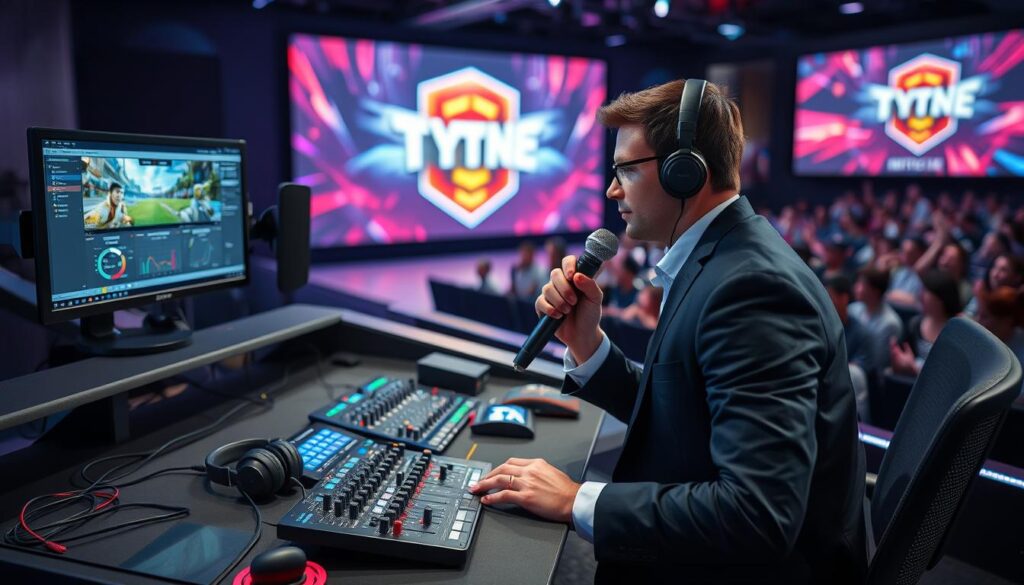
True analysis needs more than just a good take. It demands technical skills to see the game. You can’t comment on what you can’t perceive. Pro tools are key for this.
Esports moves fast. To catch every detail, you need a monitor that keeps up. We’re talking about 1080p at 240Hz with a 1ms response time. This clarity is essential.
Then there’s production. Seamlessly switching between game feed, your face cam, and graphics requires a hardware switcher like the ATEN KX9970. This is the tool professional analysts rely on for broadcast-quality transitions. It makes your analysis dynamic.
Your voice guides viewers through the chaos. But your tools are the lens. Whether you’re breaking down a political maneuver or a complex play in a strategy game, the principle is the same. You provide context. You highlight the ‘why’ behind the ‘what’.
Mastering tournament casting means combining your unique insight with the right technology. It’s not just about having something to say. It’s about having the means to show it.
Viewer Interactivity
Today’s live streams are loud and interactive, unlike silent movie theaters. Viewers are no longer just passive watchers. They’re critics, comedians, and even gamblers, all from their screens. This makes watching a watch party experience.
Twitch’s chat system shows how viewers are part of the show. It’s like a digital crowd reacting to every moment. Whether it’s a gasp at a missed shot or a quick meme, it’s all part of the fun. But how do streamers manage this chaos?
They use tools that let viewers join in. These tools include:
- Live Chats: The core of the stream. It’s always moving, like a stream’s heartbeat.
- Polls & Predictions: Viewers can guess the next move or who will be MVP. It makes them feel involved.
- Interactive Overlays: These can show messages, sounds, or stats. They turn the screen into a place for everyone to participate.
The key to all this is real-time latency. A delay can ruin the feeling of everyone watching together. For true interaction, everyone must see and react at the same time.
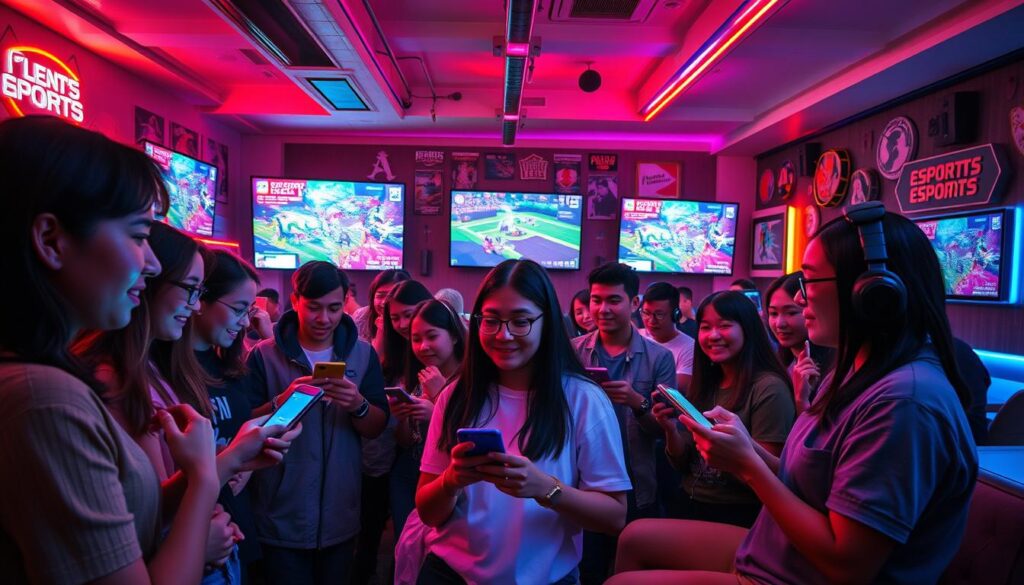
Interactive predictions and fantasy challenges are also a big part of the mix. They add a high-stakes element to watching. It’s clear these features get people more involved in the action.
Your job is to keep the chat lively but controlled. A well-moderated chat is key. You want every viewer to feel like they’re directing the show. This is crowd-sourced storytelling, with all its ups and downs.
Getting good at this makes your stream stand out. It turns watching into a shared experience. You and your viewers will always have something to talk about, thanks to your interactive stream.
Learn to manage this interactivity well. It’s what makes your stream unforgettable. Make sure to never miss a match worth discussing, because you’re building the conversation together.
Recaps and Post-Game Takes
The final kill cam fades. Your “LIVE” sign blinks off. But is your event coverage on stream really over? The smartest broadcasters know the second act is just beginning.
This is the Sage’s domain. We swap the heat of the moment for the cool light of analysis. Tools like the Dota 2 and StarCraft II replay clients offer learning opportunities that live streams cannot match. Rewind that game-winning fight from seven angles. Create the “Director’s Commentary” that explains the macro strategy, not just the micro play.
Your post-stream analytics are a secret weapon. Which segment had peak viewer retention? When did chat go quiet? This data is a roadmap, not just numbers. It shows you how to refine your next event coverage on stream. Crafting a great recap is an art form, similar to the creative approaches suggested for a Twitch Recap stream. It’s your thesis, argued with the evidence of the match.
This is where you solidify your narrative, correct your live calls, and build anticipation. It’s also where you build a portfolio that proves your analytical chops, a key step for anyone looking to break into the field as outlined in guides on esports broadcasting. In the endless scroll for attention, the after-show is where you build a community that comes back. The stream ends, but your event coverage on stream is just getting started.