
Your logo and banner are not just for looks. They are key players in getting people to click and remember you. Think of them as your secret agents working hard to boost your online presence.
Many creators make a big mistake. They think of these elements as a one-time thing. They choose what looks good and stop there. But design is about performance, not just looks. It’s about getting people to click, watch, and remember.
Without testing your channel art, you’re just guessing. Does a simple logo work better than a big mascot? Does a detailed header get more clicks, or does a clean, simple one? Your data, not your taste, holds the answers.
We’ll look at tools like Looka’s AI logo maker and Canva’s flexible templates. We’ll also dive into YouTube banner sizes. This way, your visual identity becomes a strong argument for viewers to subscribe. After all, quality visuals make pros stand out in every field.
Using Overlays & Alerts
Overlays are like the interactive stage design of your streaming channel. They turn a static backdrop into a living theater. Your logo is like the marquee sign, but these elements add the magic.
The 2025 design trends tell a fascinating story. ‘Rewilding Design’ offers earthy, organic tones for digital calm. On the other hand, ‘Mismatched and Bright’ is playful and rejects the old minimalism.
Choosing your visual overlays is more than just looks. It’s about matching your stream’s personality with these trends. If your channel is cozy, use Chill Cat Coffee alerts. For a cyberpunk vibe, Cyberpunk Oni is perfect.

Streamlabs themes help you express your channel’s culture. WrightVisuals’ ‘Soft’ overlay package is calming. Paper Crowns’ ‘Modern Minimalism’ is clean and structured. The FREE RPG Webcam Overlay brings back gaming nostalgia. Each set of overlays tells a story before you even speak.
Alerts are like your interactive toolkit. A subscription notification is a celebration. A new follower alert is like a digital handshake. These elements make viewers feel part of the show.
The key is to enhance without cluttering. Your screen shouldn’t be too busy. Every alert and overlay must have a purpose. Does that animated border help, or is it just noise? Is that event ticker useful, like an ultimate guide to following live esports, or distracting?
Good overlays work like a great film score. They add mood and highlight moments without taking over. Your webcam frame and alert animation should enhance, not overwhelm.
Review your visual layer with a critical eye. Does every element add value? If you removed that glowing border, would anyone notice? Your overlays and alerts are powerful for branding and engagement. But their magic is in subtlety and purpose, not quantity.
Consistency for Growth
In today’s digital world, a clear visual identity is like a beacon. It guides people back to your content again and again. It’s not about forcing a look—it’s about making things easy for your brain.
Think of big brands like Apple and Coca-Cola. They use simple colors and fonts that you instantly recognize. This familiarity builds trust. For creators, being consistent is key to growing your audience.
So, what does this mean for you? Every visual part of your content must match. A mix of fonts and colors is like speaking in different accents. It’s confusing and tells viewers they’re in the wrong place.
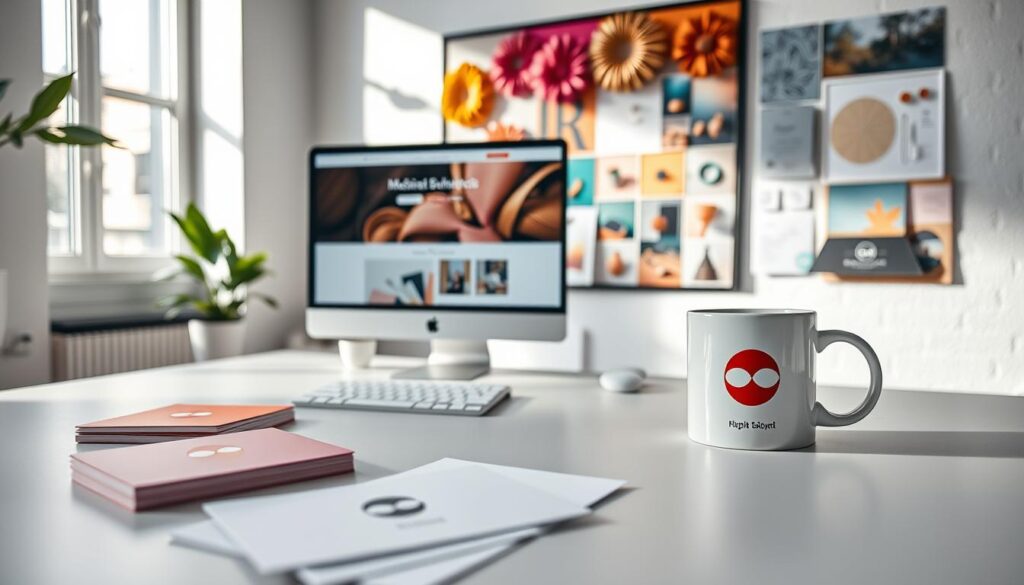
Colors and fonts are the basics. Tools like Huemint help you pick a palette that’s uniquely yours. Whether you like neon or earthy tones, stick with it. This isn’t a limit—it’s a starting point.
Typography is also very important. Using fonts from Google Fonts or Font Squirrel is not just for looks. It’s like training your text to speak in one voice. Choose a few fonts and use them everywhere. This consistency tells new viewers, “You’re in the right place. This is my world.”
This branding strategy makes it easier for people to find and follow you. If you look the same on TikTok and Twitch, viewers feel like they’re part of something bigger. They’re not just watching; they’re joining a community.
In the end, a strong visual branding strategy does a lot of the work for you. It builds your personal brand’s value. It turns followers into a community that knows your style before they even see your name. That’s not just growth—it’s building a legacy.
Tools & Resources for Graphics
Let’s get practical. After all the theory, it’s time to get hands-on. Your stream graphics need the right tools to shine. Think of this as your curated arsenal, sorted by purpose, not price.
The design world offers a wide range. Canva and Looka are like Swiss Army knives. They make solid design easy for anyone, perfect for quick logos or banners. On the other end, Adobe’s Creative Cloud and Figma offer detailed control for those with a specific vision.
Then, there’s the middle ground. Why create a cyberpunk overlay from scratch? Marketplaces like the StreamSpell store have pre-made packages. You get professional graphics for OBS or Streamlabs without the high cost. It’s like moving into a beautifully pre-fabricated district.
Your choice depends on who you are. If you’re a solopreneur needing speed, Canva and free resources like Pexels and Unsplash are great. If you have a unique style, Adobe Express or Figma are your go-to. Ready to invest? Professional services or premium packages offer polish. Your channel’s style guides your toolkit.