
The world of competitive gaming has exploded in popularity, with millions of fans worldwide tuning in to watch their favorite players and teams compete. But with events scattered across different platforms, time zones, and games, keeping track of when and where to watch can be challenging. This guide will equip you with everything you need to follow live esports events effortlessly, ensuring you never miss those epic moments that make competitive gaming so thrilling.
Live Action, Anytime Anywhere
The global appeal of esports means that exciting matches are happening around the clock. From early morning Dota 2 tournaments in China to late-night Call of Duty leagues in North America, there’s always something to watch. The challenge lies in knowing where to look and how to keep track of events that matter to you across different time zones.
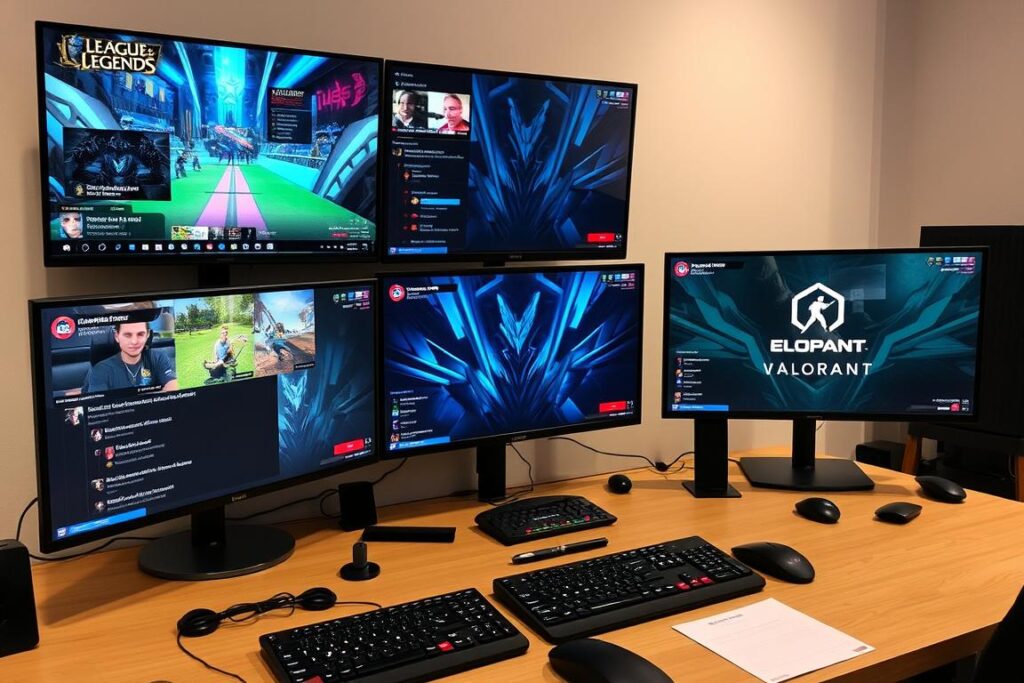
With the right tools and platforms at your disposal, you can transform from an occasional viewer to a well-informed esports enthusiast who never misses important matches. Let’s dive into the essential platforms and strategies that will keep you connected to the action.
Essentials: Where Esports Events Stream
The foundation of following live esports events is knowing which platforms host the streams. Each platform offers unique features and often exclusive content for specific games or tournaments.
Twitch
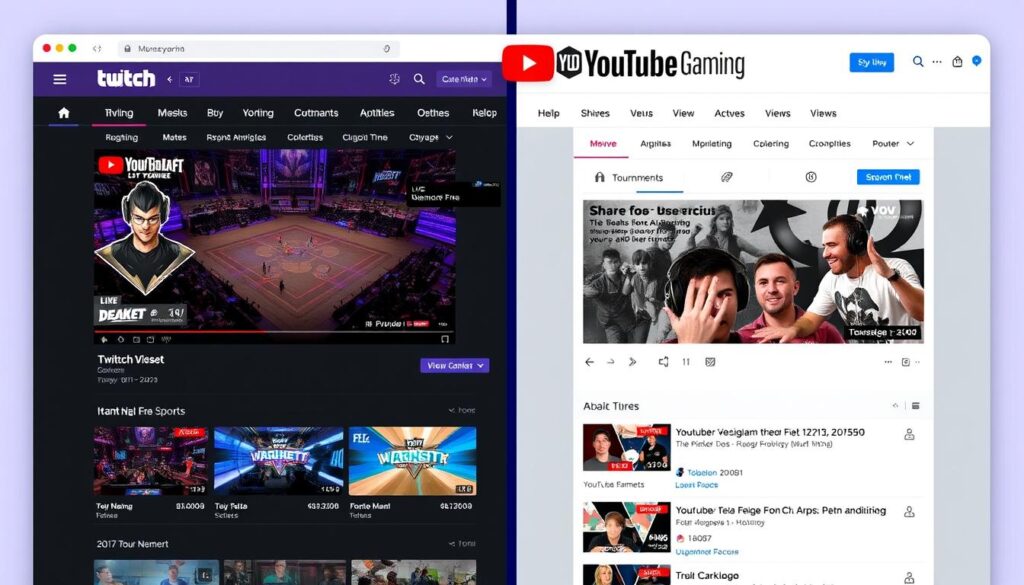
Twitch remains the dominant platform for esports streaming, hosting most major tournaments and leagues. Its robust notification system, chat interaction, and channel following features make it essential for any esports fan.
- Home to most major esports events
- Offers Twitch Drops for in-game rewards
- Superior chat experience and community interaction
- Extensive directory of games and categories
YouTube Gaming
YouTube Gaming has secured exclusive rights to several major leagues, including the Call of Duty League and Overwatch League. Its superior video quality and playback controls make it a favorite for many viewers.
- Better video quality and playback options
- Exclusive broadcasting rights for certain leagues
- Integrated with YouTube’s recommendation algorithm
- Easier to catch up on missed matches
Facebook Gaming
Facebook Gaming has secured rights to several esports properties and offers easy sharing with friends. The platform continues to grow its esports presence with exclusive partnerships.
- Integrated social features for watching with friends
- Growing library of exclusive content
- Easy sharing of exciting moments
Other Platforms
Some tournaments stream on specialized platforms or the game developer’s own channels. Additionally, some fans use esports analytics platforms to follow matches they’re interested in, as these often provide alternative streams or match trackers.
- Developer platforms like Riot Games’ website
- Regional platforms like AfreecaTV (Korea) and Huya (China)
- Analytics platforms with integrated stats
Building Your Esports Event Calendar
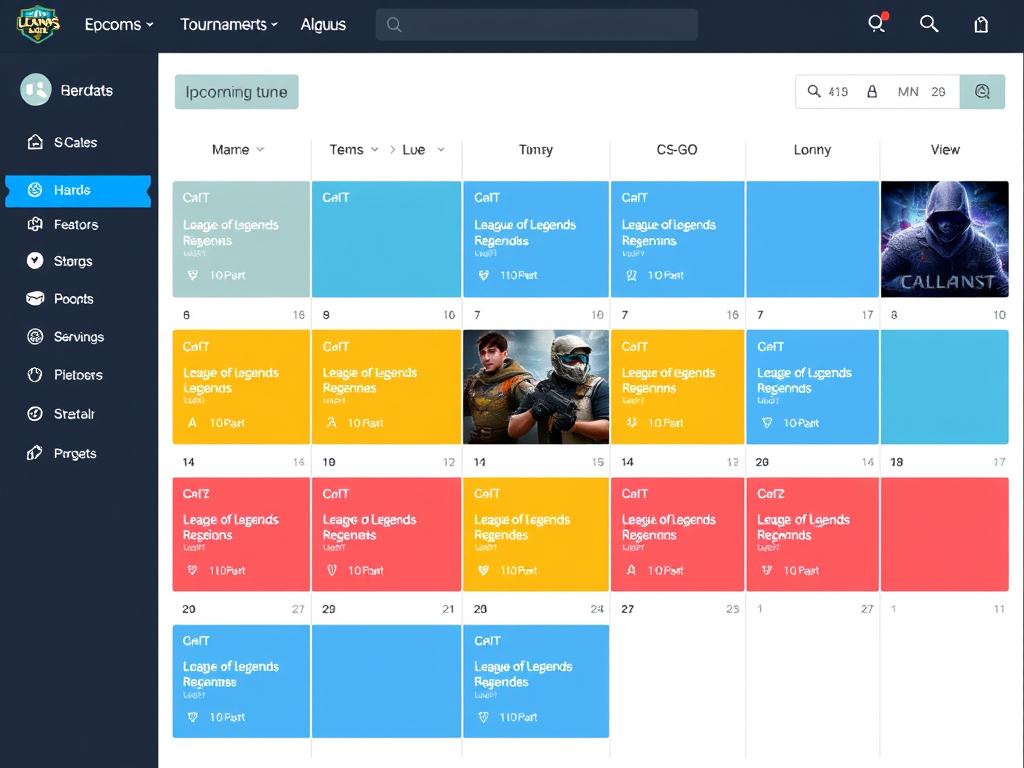
With so many tournaments happening simultaneously across different games, creating a personalized calendar is essential for staying organized. Here’s how to build an effective system for tracking the events you care about.
Step-by-Step Calendar Setup
Never Miss a Match with Liquipedia
Liquipedia offers the most comprehensive tournament tracking across all major esports titles. Import their calendars directly into your preferred calendar app.
Pro Tip: Time Zone Management
Use tools like World Time Buddy or TimeAndDate Converter to translate event times to your local time zone. Most esports calendars list times in CET/CEST or PST/PDT, which may need conversion.
Top Sites & Apps for Live Schedules and Alerts
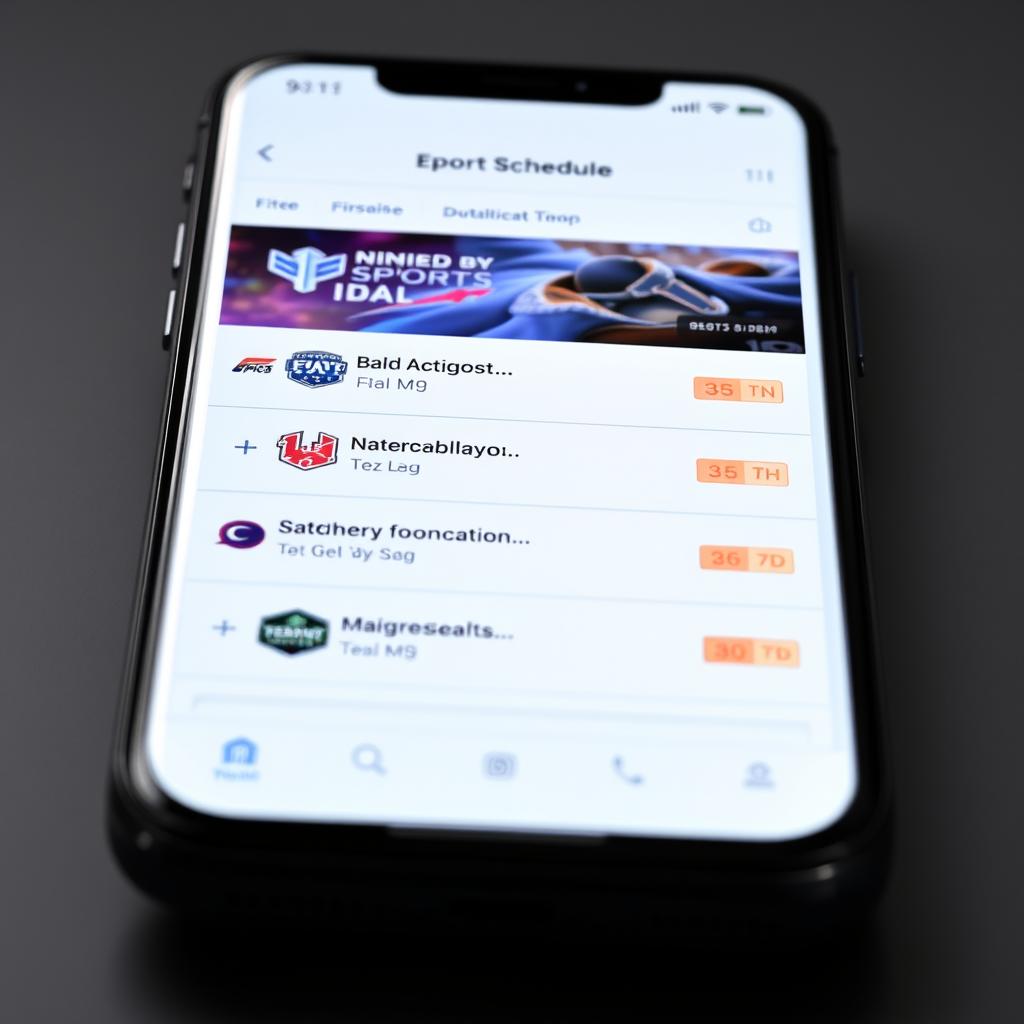
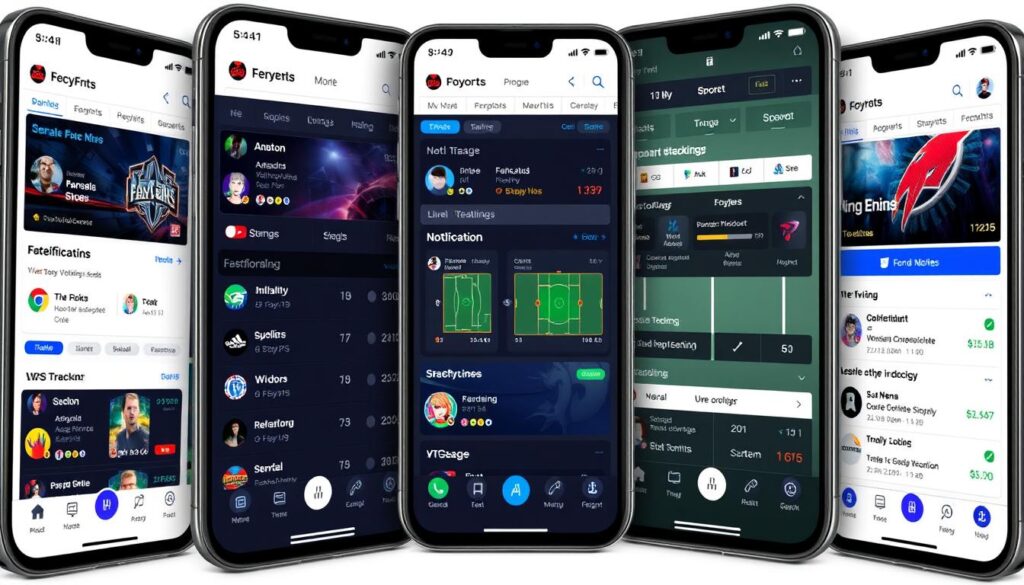
Beyond calendar integration, specialized apps and websites can help you track matches and receive timely notifications. These tools are designed specifically for esports fans and offer features tailored to competitive gaming.
Strafe
Strafe offers comprehensive coverage across most esports titles with a clean, intuitive interface. The app allows you to follow specific teams, tournaments, or games.
- Customizable notifications
- Live scores and results
- Team and player statistics
- Match predictions
TheScore Esports
TheScore combines match tracking with news coverage, providing context around the tournaments you’re following. Their notification system is among the most reliable.
- Breaking news alerts
- Video content and highlights
- Detailed match coverage
- Player interviews and features
Upcomer
Upcomer focuses on personalization, learning your preferences over time. It’s worth noting that some esports companion apps also offer excellent event tracking tools with customizable alerts for matches you’re interested in.
- AI-powered recommendations
- Fantasy esports integration
- Comprehensive event coverage
- Community predictions
Getting the Most out of Streaming Platforms
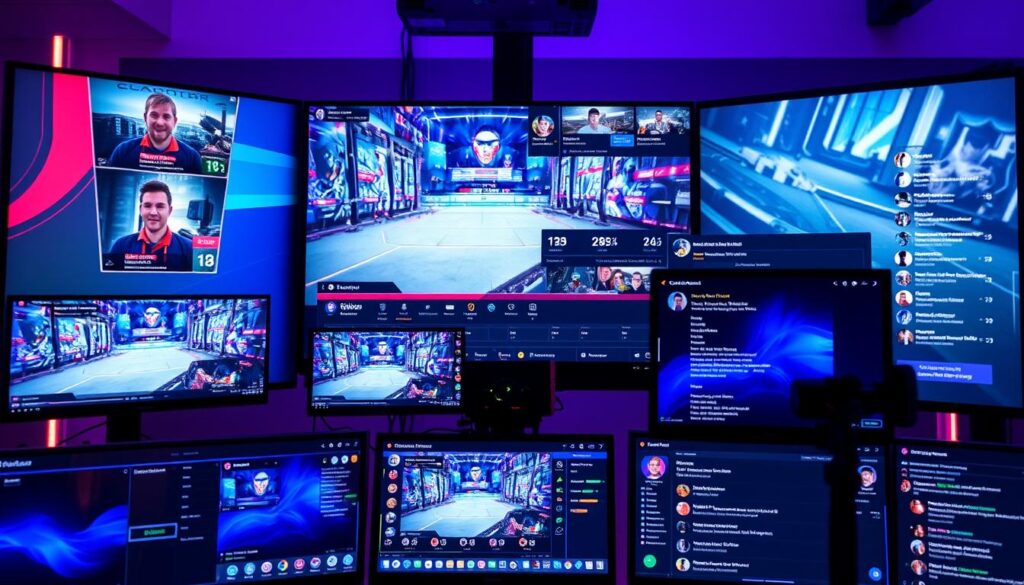
Each streaming platform offers unique features that can enhance your viewing experience. Learning to use these tools effectively will help you get more enjoyment from watching esports events.
Twitch Features
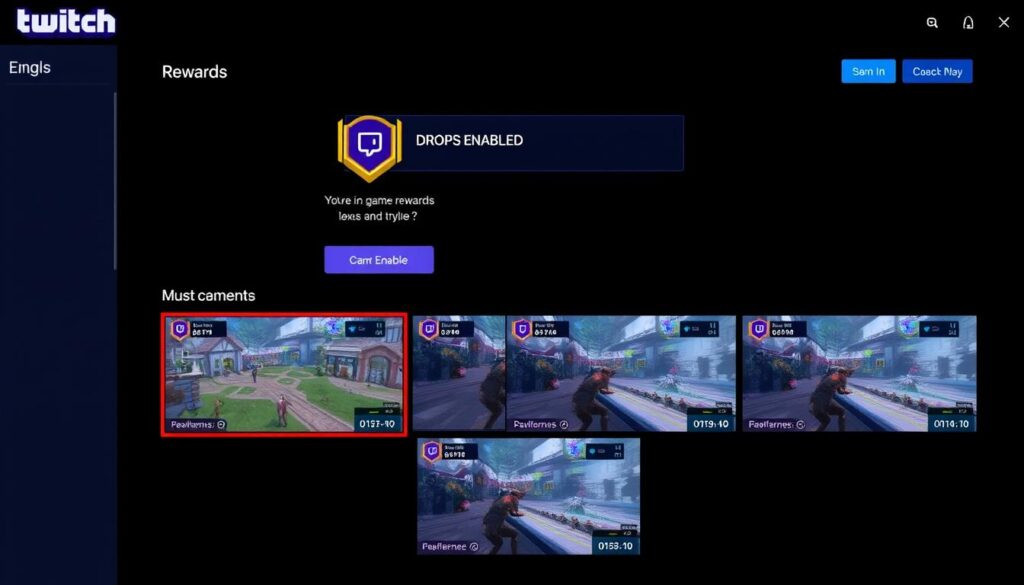
Twitch Drops
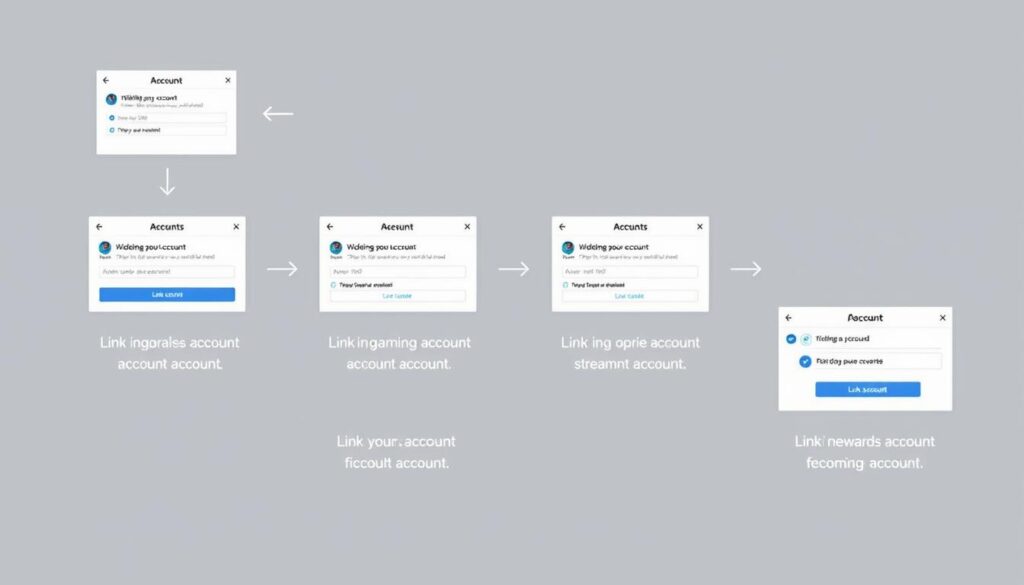
Many tournaments offer in-game rewards for watching streams. To enable drops:
- Link your game account to your Twitch account
- Look for streams with “Drops Enabled” tag
- Watch for the minimum required time
- Claim your drops in the Inventory section
Multi-Stream Viewing
During major tournaments with multiple matches:
- Use Twitch’s Squad Stream feature
- Try third-party tools like MultiTwitch
- Create custom layouts with Twitch Theater Mode
YouTube Gaming Tips
- DVR Controls – Rewind live streams to catch missed moments
- Picture-in-Picture – Watch while browsing other content
- Higher Quality Options – Often offers better bitrate than other platforms
- Scheduled Reminders – Set reminders for upcoming streams
VPN Considerations
Some esports content is geo-restricted. A VPN can help access region-locked streams, though this may violate terms of service for some platforms. Additionally, certain regions have access to specialized platforms like AfreecaTV (Korea) or Huya (China).
Tips for Attending Local Viewing Parties
Watching esports with fellow fans can transform the experience from solitary viewing to a social event. Local viewing parties are becoming increasingly common and offer a unique way to enjoy tournaments.
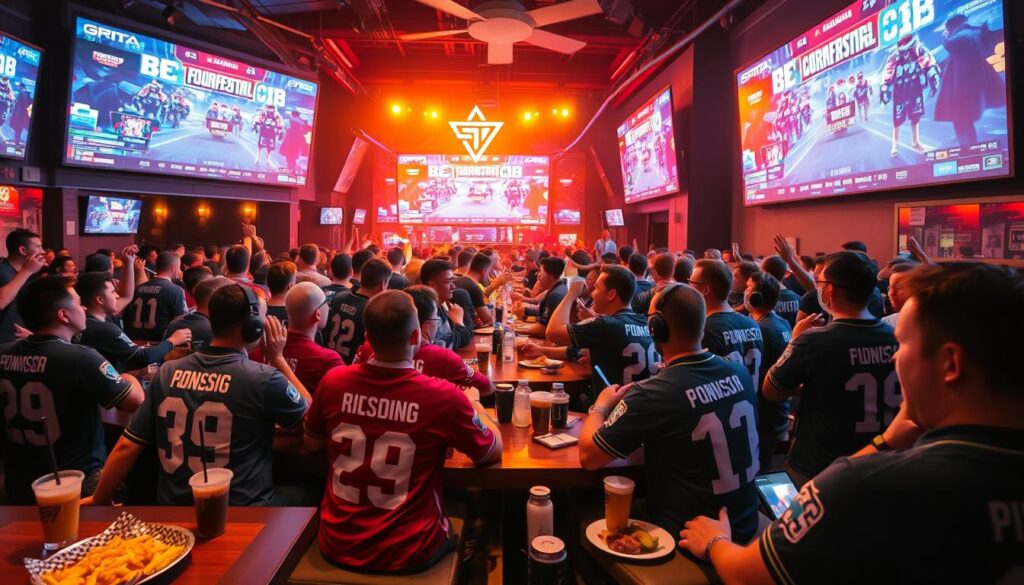
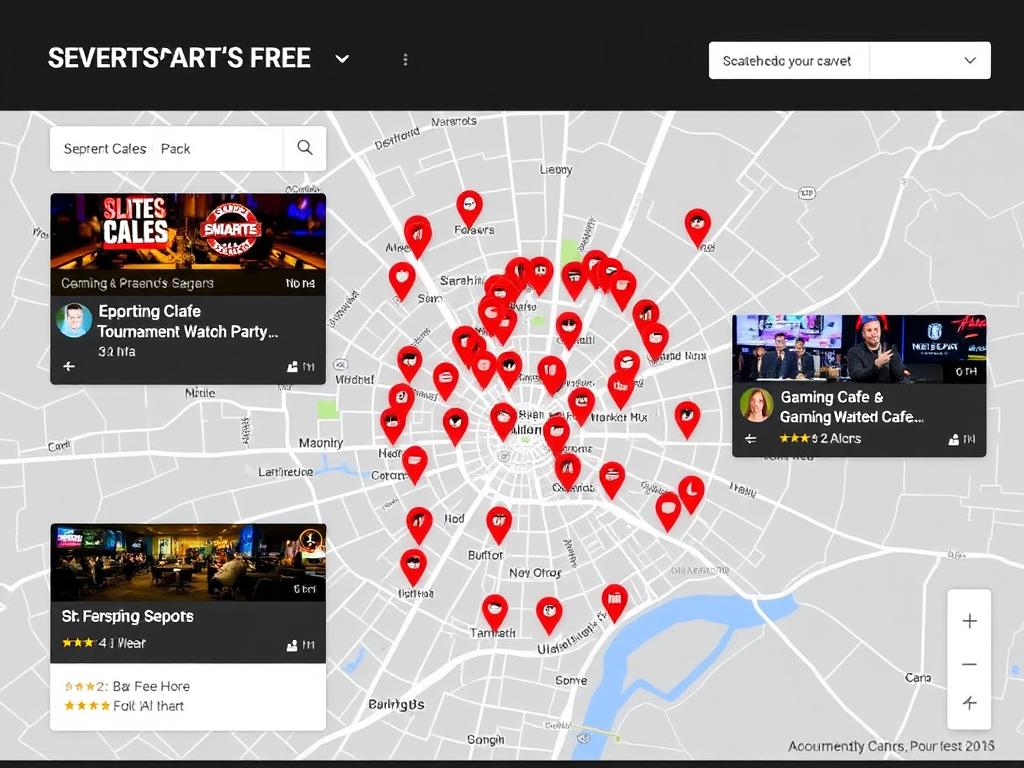
Finding Local Events
- Meetup.com – Search for esports or game-specific groups
- Facebook Events – Many gaming bars advertise viewing parties
- Discord communities – Local servers often organize gatherings
- Gaming cafes – Many host events for major tournaments
- University clubs – College esports clubs often host public viewings
Hosting Your Own Viewing Party
Find Your Local Gaming Community
Meetup is one of the best platforms for discovering local esports enthusiasts and viewing events in your area.
Exclusive Content: In-Game Drops and Interactivity
Modern esports viewing offers more than just watching matches—it provides interactive experiences and rewards that enhance engagement. Understanding how to access these features can significantly improve your viewing experience.
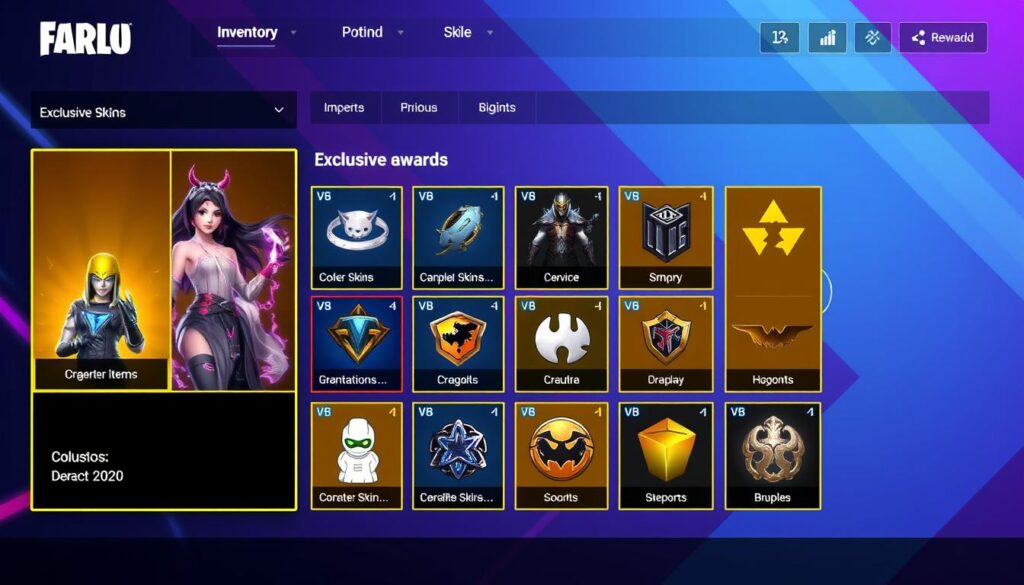
In-Game Rewards
Many publishers offer exclusive in-game items for watching official tournament streams:
| Game | Platform | Reward Types | Requirements |
| League of Legends | Lolesports.com | Emotes, Icons, Hextech Chests | Account linking, watch official streams |
| Valorant | Twitch | Weapon Skins, Sprays, Player Cards | Account linking, watch with drops enabled |
| CS:GO | Twitch, Steam.tv | Souvenir Packages, Viewer Passes | Account linking, Major tournaments only |
| Overwatch | YouTube Gaming | League Tokens, Team Skins | Account linking, 4+ hours watched |
Interactive Viewing Features
Beyond passive watching, many platforms offer interactive elements:
- Prediction games – Guess outcomes to earn points or rewards
- Live stats overlays – Enhanced viewing with real-time statistics
- Multi-view options – Choose which player perspective to watch
- Chat integration – Participate in polls and community reactions
Some dedicated fans also follow tournament coverage on esports statistics sites, which often provide detailed analysis and special promotions tied to major esports events.
Must-Follow Influencers and Casters for Esports
Esports personalities enhance the viewing experience with their knowledge, analysis, and entertainment value. Following these key figures helps you stay informed about upcoming events and gain deeper insights into competitive gaming.

Sjokz (Eefje Depoortere)

Games: League of Legends
Why Follow: One of the most respected hosts in esports, Sjokz provides exceptional interviews and stage presence at major LoL events.
MonteCristo (Christopher Mykles)

Games: Overwatch, League of Legends
Why Follow: Known for deep strategic analysis and unfiltered opinions on the competitive scene.
Machine (Alex Richardson)

Games: CS:GO, Dota 2
Why Follow: Versatile host and commentator who brings energy and wit to multiple esports titles.
CaptainFlowers (Clayton Raines)
Games: League of Legends
Why Follow: Energetic play-by-play caster known for his rapid delivery and game knowledge.
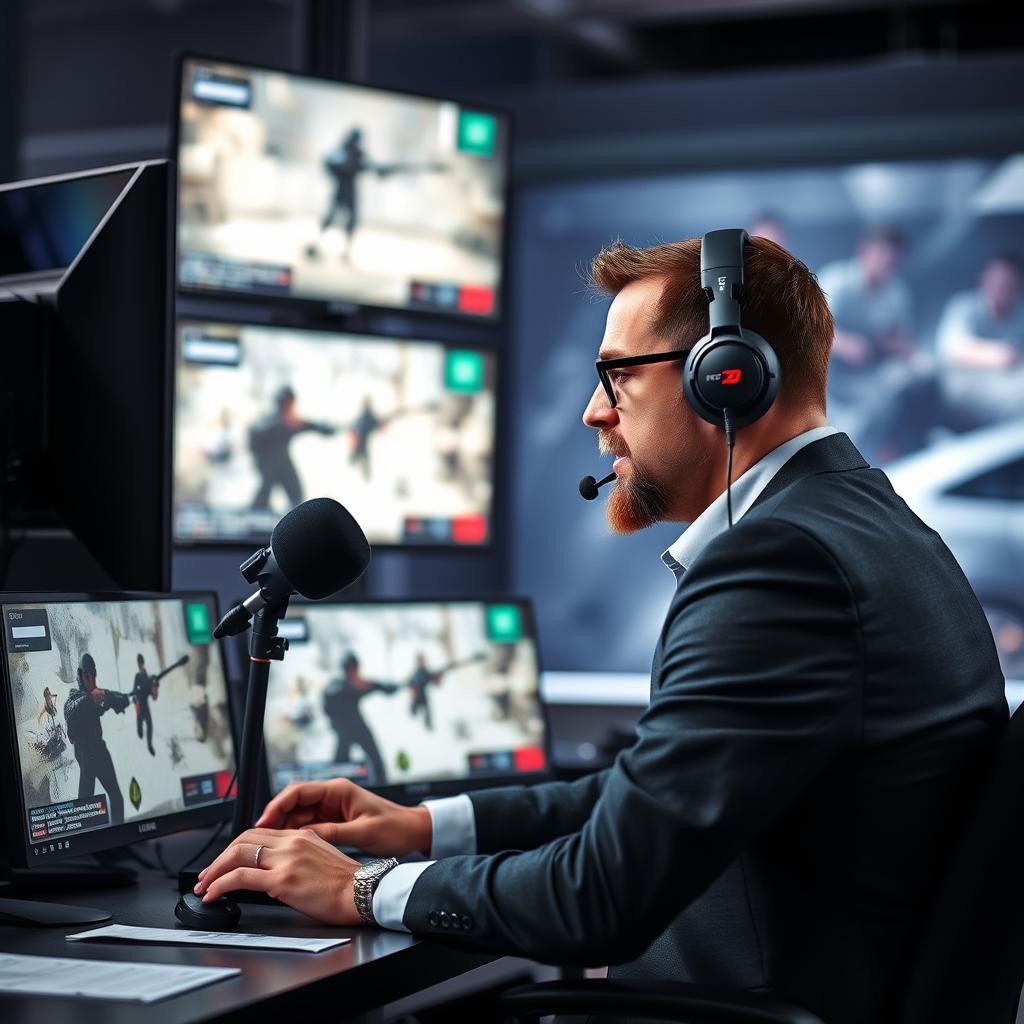
Semmler (Auguste Massonnat)
Games: CS:GO, Valorant
Why Follow: Veteran caster with a distinctive style and deep understanding of tactical FPS games.
Sheever (Jorien van der Heijden)

Games: Dota 2
Why Follow: Respected host and community figure who provides excellent tournament coverage and insights.
Staying Updated: Discords and Newsletters
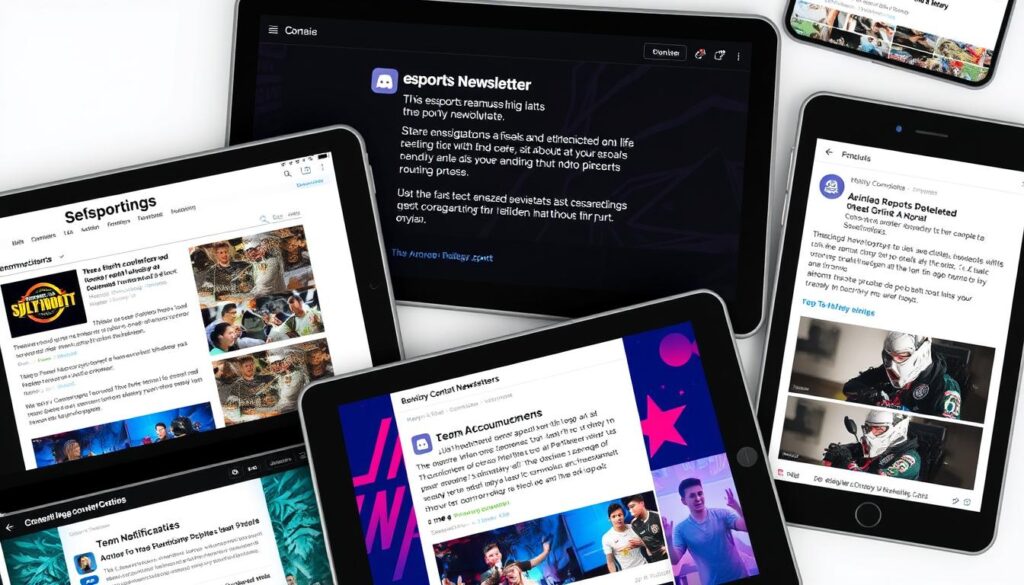
For the most dedicated fans, joining specialized communities and subscribing to newsletters ensures you’re always in the loop about upcoming events, schedule changes, and industry news.
Essential Discord Servers
- Official game servers – Direct from developers with event announcements
- Tournament organizer servers – ESL, BLAST, PGL, etc.
- Esports news communities – HLTV, Dot Esports, Dexerto
- Team-specific servers – Follow your favorite organizations
Newsletters Worth Subscribing To
| Newsletter | Focus | Frequency | Best For |
| Esports Observer | Business & Industry News | Weekly | Industry insights |
| Esports.gg | Tournament Schedules | Daily | Upcoming matches |
| Dexerto Dispatch | News & Content | 2-3x Weekly | General updates |
| Dot Esports Recap | Results & Highlights | Weekly | Catching up on missed events |
Conclusion: Joining the Global Gaming Community
Following live esports events has never been easier, with numerous platforms, tools, and communities dedicated to keeping fans informed and engaged. By combining the right streaming services, calendar tools, mobile apps, and community resources, you can create a personalized system that ensures you never miss the matches that matter to you.
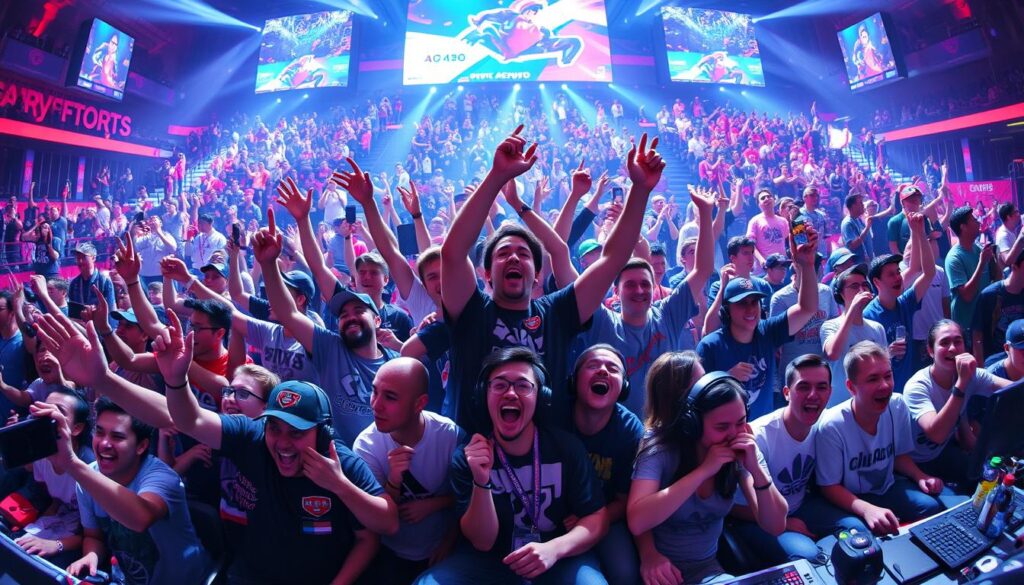
Remember that the esports landscape is constantly evolving, with new games, tournaments, and viewing platforms emerging regularly. Staying connected to the community through social media, Discord servers, and newsletters will help you adapt to these changes and discover new competitive scenes to enjoy.
Whether you’re a casual viewer interested in occasional big events or a dedicated fan who follows multiple games and leagues, the strategies in this guide will help you build a viewing routine that fits your interests and schedule. Welcome to the exciting world of esports—where the next incredible play is always just around the corner!
Start Your Esports Journey Today
Create your personalized esports viewing experience by signing up for Strafe – the all-in-one esports tracking app.
Social Media and Community Recommendations
The esports community is incredibly active on social media, making these platforms invaluable for discovering events and getting real-time updates. Following the right accounts and joining the right communities can significantly enhance your esports viewing experience.
Twitter
Twitter is the go-to platform for breaking news and live updates during tournaments. Follow these account types for the best experience:
Discord
Discord servers offer more in-depth community engagement and often share viewing parties and event reminders:
Reddit
Reddit’s game-specific communities are excellent for tournament discussion and finding stream links:
Join the Conversation
The r/esports subreddit is a great starting point for following multiple games and discovering new esports to watch.
Visit r/esports